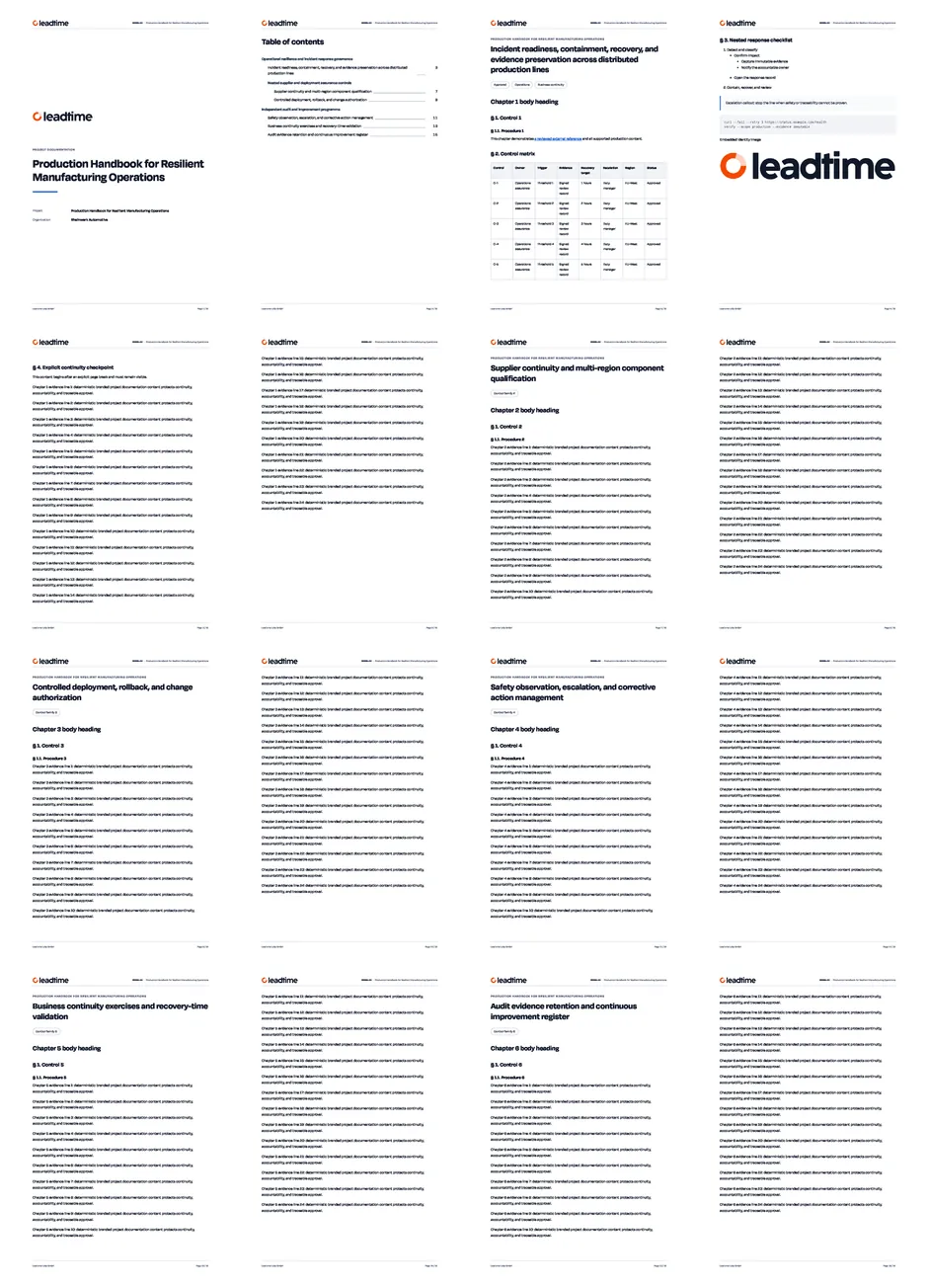
Export project documentation as a PDF book
Share one page, one documentation section, or a complete project knowledge book.
You can now export one project documentation page, one folder with all nested pages, or the complete documentation tree as PDF.
Start a page or complete-project export from the Documentation header. Select a folder to find its export in the folder actions menu. Every project reader can use these actions, and Leadtime prevents a second request for the same export while it is being prepared.
Folder and project exports follow your inherited project document settings for the title page, table of contents, and heading numbering. Pages follow the saved tree order, each page starts on a new PDF page, and the table of contents shows its physical page number.
Every export now uses your workspace document font, logo, and company identity, with a consistent branded header and a page / total pages footer. Leadtime shows preparation and download progress, and reuses an unchanged export so repeated downloads finish faster. Changes to content, settings, fonts, branding, or embedded images prepare a fresh file.