
How project efforts are calculated
A project's effort is calculated from the individual effort of its work packages and the customer-specific requirements stored in them.
In Leadtime, project effort is calculated based on the effort stored in the project components.
Each component contains standardized work packages with a minimum effort in hours. Questionnaires dynamically adapt these baseline values to the project’s actual requirements. This creates a precise, transparent effort estimate that can be adjusted flexibly for different project scenarios.
Each work package defines:
- a minimum effort (timeframe)—the baseline effort for the standard implementation,
- a questionnaire for capturing additional requirements.
Answers in the form can increase the effort, leave it unchanged, or, for checkboxes and multipliers, calculate it based on quantity.
The system uses this information to calculate the total estimated project effort automatically.
Example: A work package for optimizing a website
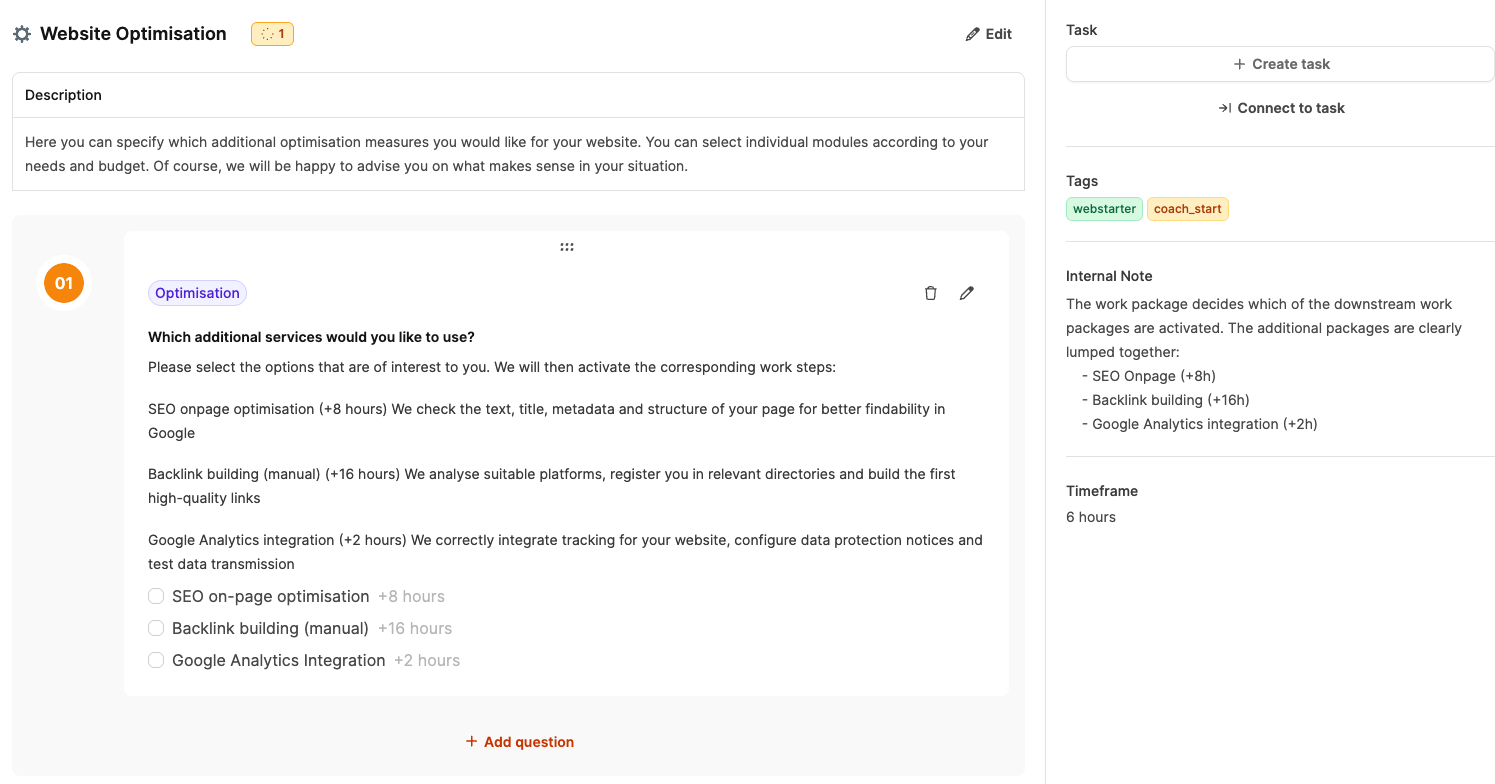
This work package lets you select optional optimization measures for a website.
It has a minimum effort of 6 hours for the technical review and basic optimization.
The customer can activate additional services using a checkbox question. Each selection increases the effort by the specified amount.
| Option | Description | Additional effort |
|---|---|---|
| SEO Onpage Optimisation | Reviewing and adjusting copy, titles, metadata, and page structure to improve visibility in Google. | +8h |
| Backlink Building (manual) | Researching suitable platforms, adding directory listings, and building an initial set of high-quality backlinks. | +16h |
| Google Analytics Integration | Integrating tracking, configuring privacy notices, and testing data transmission. | +2h |
Calculation example
A customer chooses the following services:
- SEO Onpage Optimisation (+8h) and
- Google Analytics Integration (+2h).
The effort is calculated as follows:
Base effort (6h) + 8h + 2h = 16 hours of total effort
If the customer also selects Backlink Building, the total effort increases to 32 hours.
Form elements that can affect effort
Checkboxes
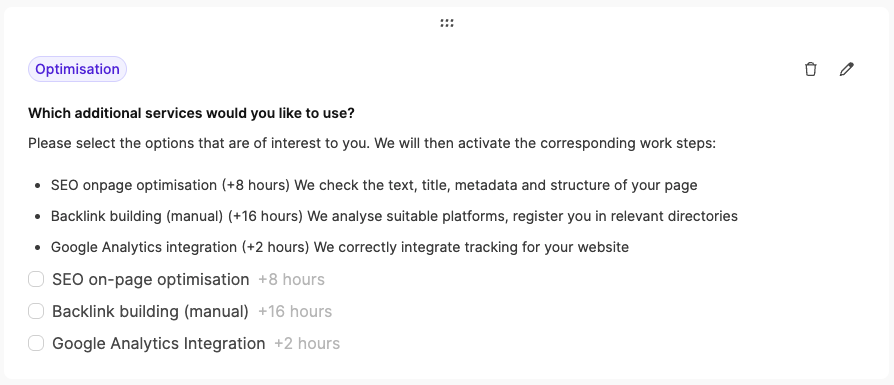
Checkboxes are used when several options can be selected at the same time. They are suitable when a customer wants to combine additional services or modules flexibly. Each selected checkbox increases the effort by its associated value.
Example: In the Website Optimisation work package, the customer can select several optimization measures:
- SEO Onpage Optimisation → +8 hours
- Backlink Building (manual) → +16 hours
- Google Analytics Integration → +2 hours
If the customer selects all three options, they add 26 hours of effort. Checkboxes therefore enable modular, additive calculation within a work package.
Radio buttons
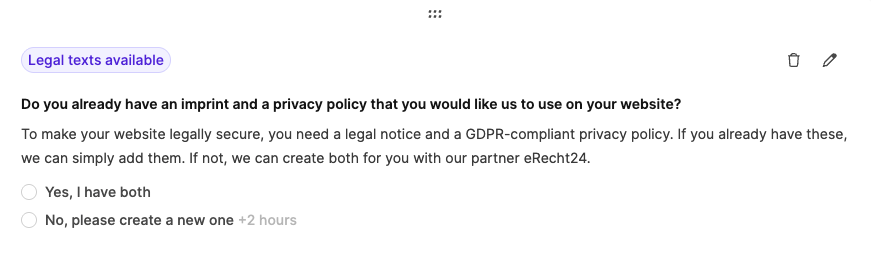
Radio buttons are used in forms when only one answer may be selected from several options. They are ideal for either-or decisions that can have different effects on project effort.
In the example shown, the answer determines whether a legally compliant legal notice and privacy policy already exist or must be created:
- Yes, I have both → no additional effort
- No, please create both → +2 hours
This automatically adjusts the effort without allowing multiple options to be active at the same time.
Multiplier
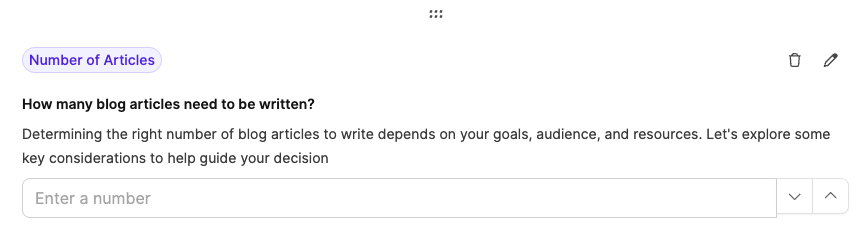
The Multiplier is used when effort depends on a quantity or number—in other words, when a task is performed multiple times. Instead of selecting fixed options, the user enters a number that is multiplied by a predefined hourly value.
In this example, the user specifies how many blog posts should be created:
- Effort per article: 2 hours
- Quantity entered: 5 articles
→ The total effort is calculated automatically as 2h × 5 = 10 hours
Multipliers are suitable for repeated or quantity-based tasks, such as copy, products, pages, records, or designs.
Effort for checklists and acceptance tests
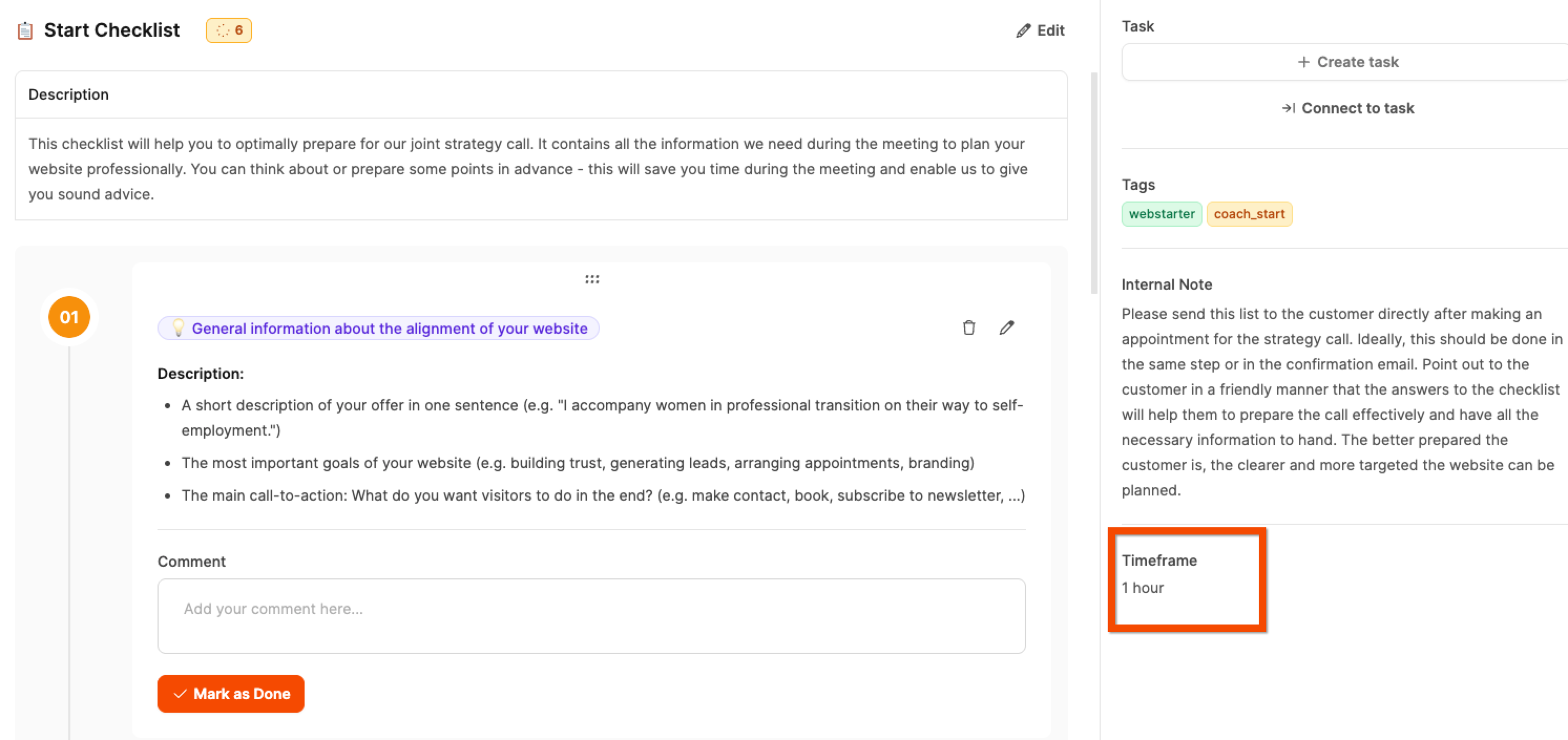
Checklists and acceptance tests can also include effort.
These elements support only a fixed minimum effort, which is estimated and entered when the element is created.
It is used to calculate the time required for a review or for carrying out tests.