
Use API Tokens as an Agent
Create agent personal access tokens for scripts, automations, and company-level integrations.
Use agent API tokens when you do not need a running agent session. An agent token is a controlled credential for scripts and integrations that should act under a shared workspace identity.
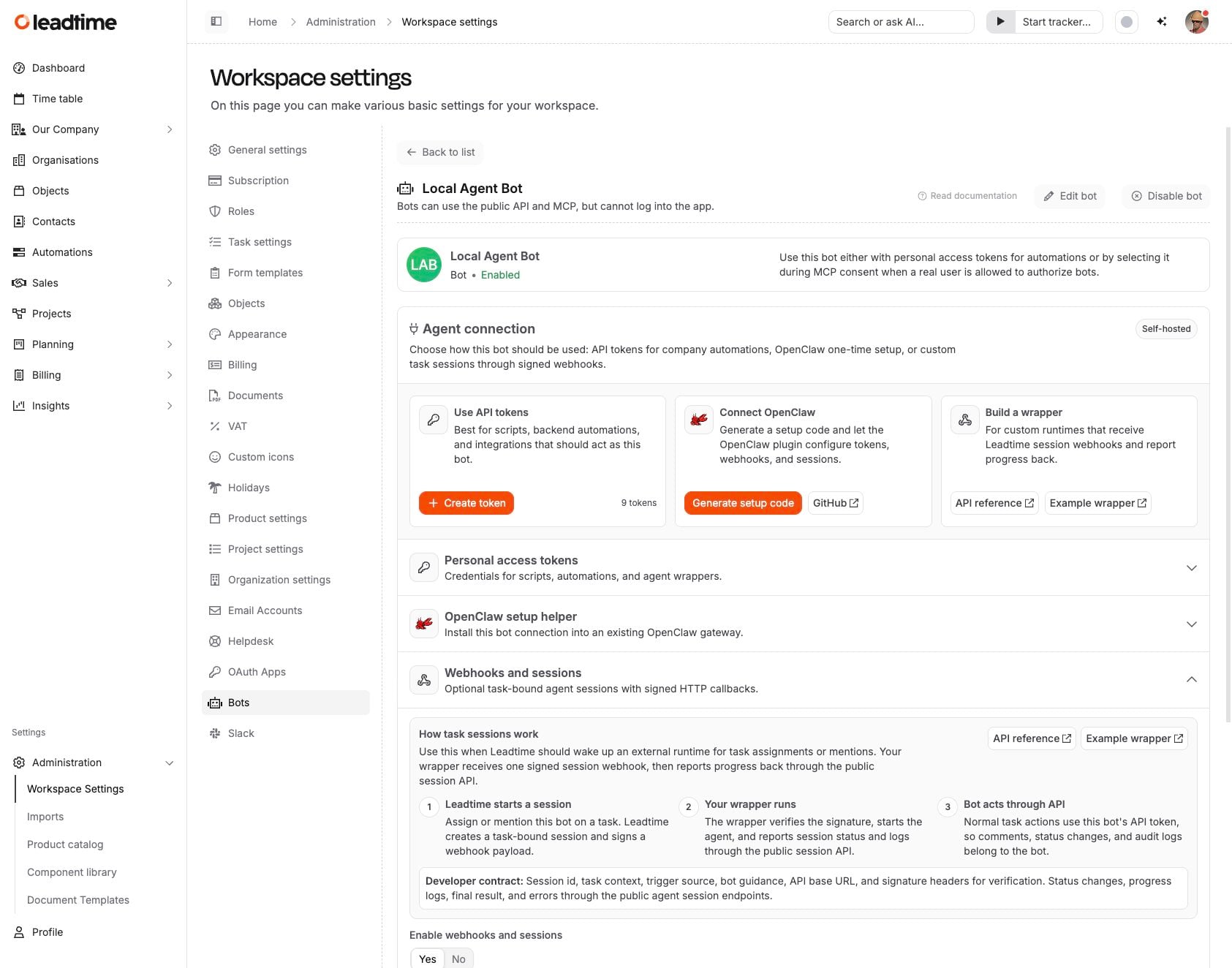
Create a token
- Open Administration -> Manage Agents and select an agent.
- In Use API tokens, select Create token.
- Choose scopes and an expiry date, then copy the token immediately. Leadtime only shows the full token once.
How tokens behave
- API calls are attributed to the agent, not to the person who created the token.
- The agent role controls what the token can read or change.
- You can revoke a token any time from the same agent settings page.