
Leave Management
Manage the complete vacation process transparently, from requests to balances and approvals.
Your Company → Vacation manages the company’s vacation processes centrally. Employees submit requests and manage their absences, while managers review approvals, available days, capacity, and staffing.
How it works
Plan and adjust vacation days
Each employee has a leave account with an annual entitlement. Leadtime calculates prorated adjustments automatically for events such as joining during the year or a changed entitlement.
See Leave Accounts.
Request and approve vacation
Employees can submit requests from their profile, daily time statistics, or the Team Calendar.
- Employees: Choose the dates and submit the request.
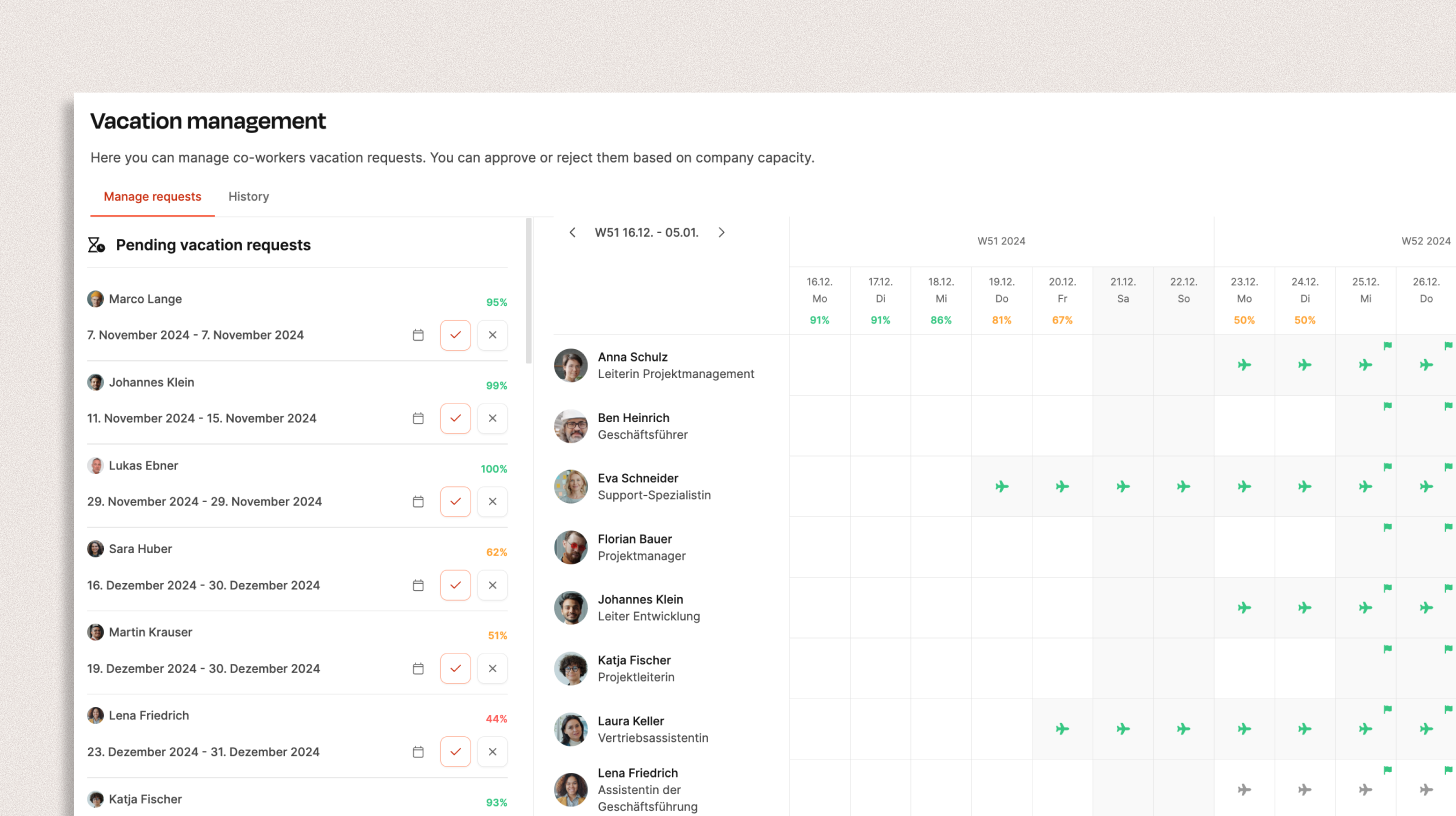
- Managers: Review all requests together and approve or reject them with capacity and overlapping absences visible.
See Request and Approve Vacation.
History and statistics
Leadtime records every request, approval, and adjustment. Employees and managers can always see used, remaining, and approved days.
Vacation compensation
Carry unused days into the next year, pay them out, or convert overtime into additional vacation. Every adjustment remains visible in the history.
Team Calendar
The Team Calendar shows every planned absence, making staffing gaps easier to identify before approving a request.
Go to Team Calendar.