
Command Console
Search Leadtime globally and run common actions from the Command Console.
The Command Console gives you quick access to content and functions in Leadtime. It searches tasks, organizations, projects, team members, and navigation destinations.
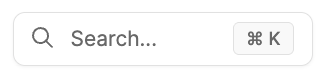
Access
- Search field: Select the magnifying-glass icon in the top bar.
Keyboard shortcuts:
- Mac: ⌘ + K
- Windows: Ctrl + K
Use it for search
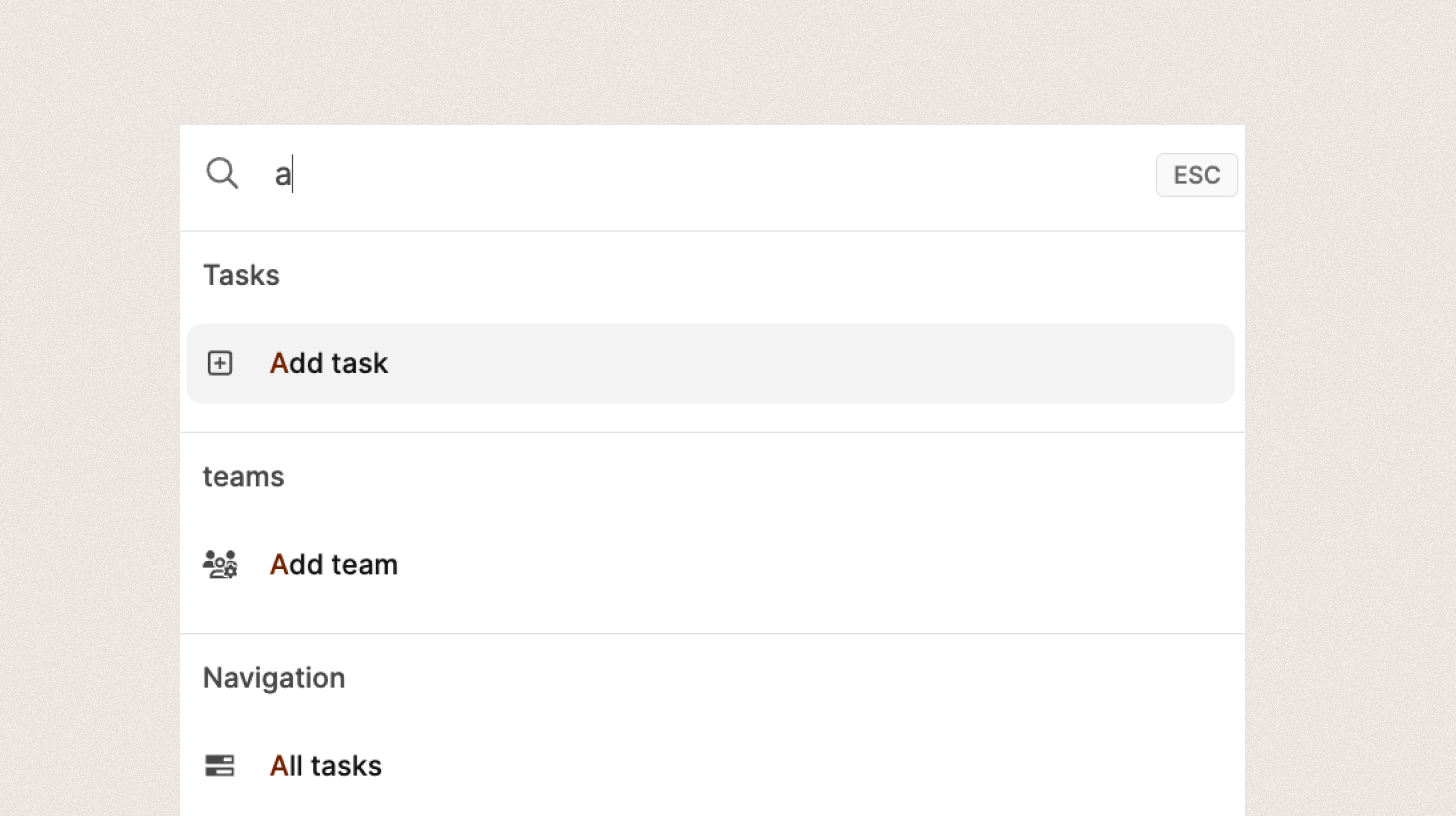
When you open the console, it displays a search window and updates the results as you type or remove characters.
Results are grouped by type, for example:
- Tasks: Individual tasks or tickets
- Organizations: Companies, partners, or customers
- Navigation: App areas such as the Dashboard, calendar, or settings
- Members: People in your company
Select a result to open it directly.
Use it to run actions
In addition to searching, you can run commands directly, for example:
- “Add task” → Create a task
- “Add team” → Create a team
- “Start tracker” → Start time tracking