
Planning and Implementing Projects with Leadtime (Workshop Part 1)
The workshop guides you through the setup, offer, implementation and billing of an individual project - consistent and versioned.
This workshop takes you step by step through working with individual projects in Leadtime. It relates to several areas of application: Configuration (project tree, products), Documents, Tasks, Capacity planning, Tests and Invoice. The goal is a clean, repeatable project process - from requirements gathering to acceptance and billing.
Structure of the workshop
| Workshop | Content | Link |
|---|---|---|
| 1 | The scenario | Here |
| 2 | Examination of the project component | Here |
| 3 | Setting up the project | Here |
| 4 | Capture requirements using the project tree | Here |
| 5 | Add products to the project | Here |
| 6 | Automatic expense calculation | Here |
| 7 | About offer versions | Here |
| 8 | Refine offers with manual positions and discounts | Here |
| 9 | Create specifications | Here |
| 10 | Create the project contract | Here |
| 11 | Communicate project time | Here |
| 12 | The transition to project implementation | Here |
| 13 | Distribute tasks to the team | Here |
| 14 | Organize acceptance | Here |
| 15 | Bill projects | Here |
The scenario
In the following sections we will show step by step how a small digital agency can systematically structure and professionalize its project business with Leadtime. We use a real example of this: the agency Web4Coach.
Initial situation
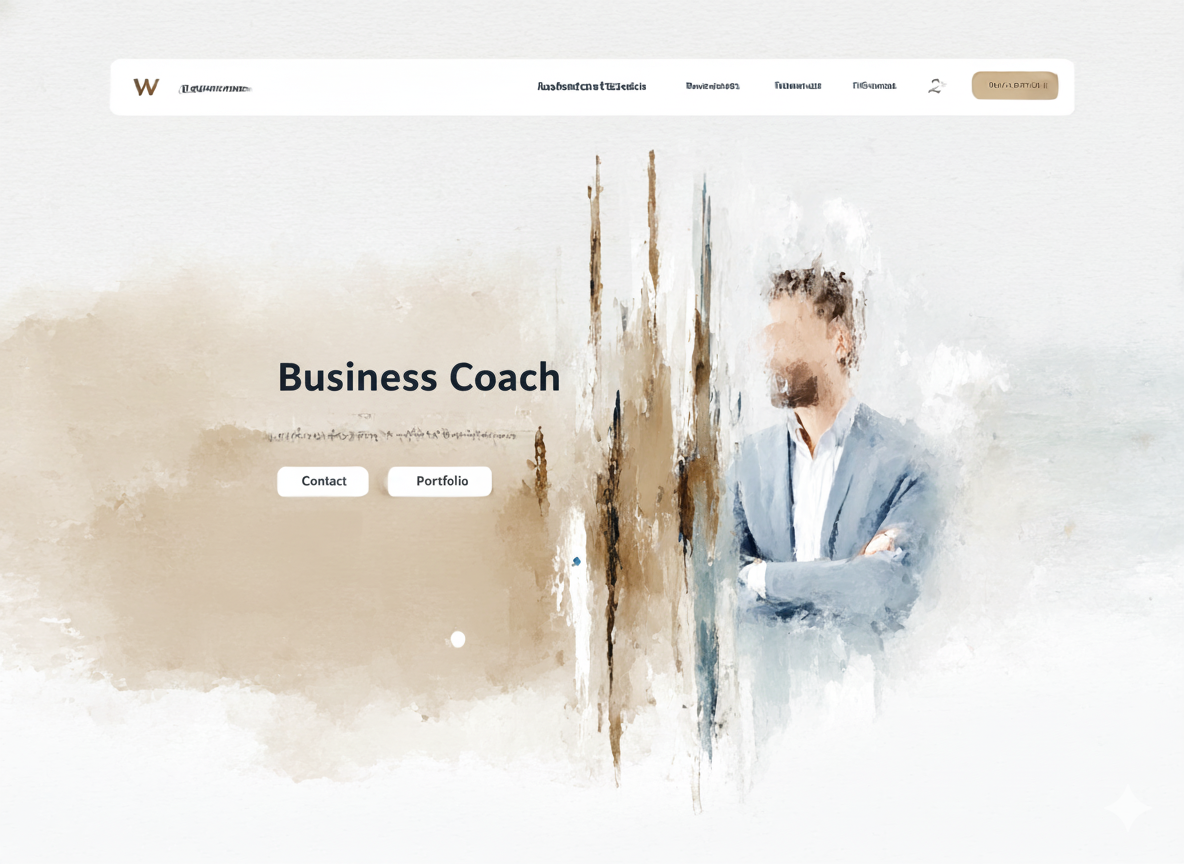
Web4Coach is a small web agency that specializes in creating websites for coaches and consultants. The target group is clearly defined and the offer is also relatively standardized:
- Standard performance: A professional website based on a modular system (OnePage).
- Additional services: Optionally bookable extensions such as SEO, content optimization or design extras.
- Project duration: Typically between 4 weeks and 2 months.
The current process
So far, Web4Coach has worked without a central project system. The process goes like this:
- Lead generation: Potential customers (coaches, consultants) make contact via email outreach.
- Initial consultation: A brief introduction to clarify the project.
- Questionnaire: A Word document is sent manually. The customer enters his wishes.
- Offer & contract: Also created and sent manually using Word.
- Project implementation: The implementation is carried out using the OnePage web modular system.
- SEO & additional services: Optional afterwards, often agreed retroactively.
This workflow has generally proven itself - but is error-prone, not very scalable and highly dependent on individuals. Documents are created in Word, information is unstructured, offers are calculated manually and internal project management is usually done “from the gut”.
Goal with Leadtime
[!WARNING] We strongly recommend that you first read the sections on Product catalog and to the
Project templates to work through.
Web4Coach now wants to digitize and systematize this process with Leadtime. The goals:
- Digitize questionnaires – via structured forms directly in Leadtime.
- Create standard project as a component – including all work packages, to-dos and optional services.
- Create offers automatically – directly from the component.
- Manage the course of the project properly – with clear tasks, roles and progress tracking.
- Automate billing – through comprehensible time bookings and defined flat rates.
In the next sections we will explain step by step how Web4Coach works with Leadtime - from the first customer inquiry to the final approval of the website.
About the workshop part 2: The project template used (workshop part 2)