
Calendar Sync
Manage an employee's ICS subscription and import external busy time for pipeline planning.
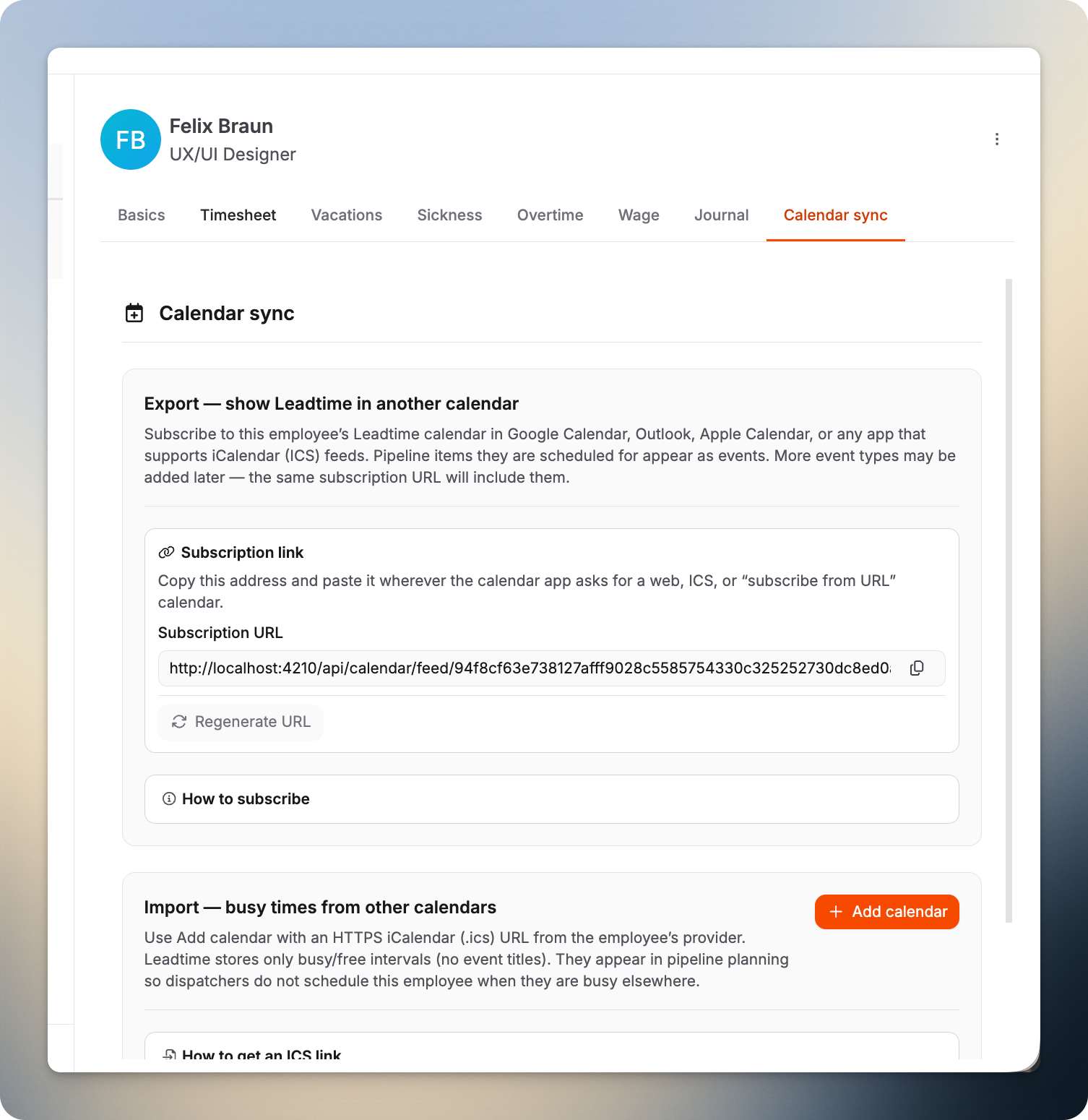
Calendar Sync in an employee profile provides the same functions as My Profile → Calendar Sync, but for a selected team member. Subscribe to Leadtime dates through ICS and import busy time from external HTTPS feeds. The busy time appears in the Pipeline without storing private event titles.
Where to find it
Open Your Company → Employees, select a person, then open Calendar Sync.
What you can do
- Copy a subscription URL so an external calendar can display the employee’s Leadtime plan.
- Regenerate the URL if it was shared accidentally. This invalidates the old address.
- Add or edit HTTPS
.icsfeeds to import free/busy blocks from other systems without event titles.
Permissions
You need the Manage employee calendar sync permission. If the tab is missing, ask an administrator to grant it under Administration → Roles.
Personal calendar
Employees configure their own calendar under My Profile → Calendar Sync. See Profile – Calendar Sync for detailed instructions.