
Manual Items and Discounts (Workshop Part 8)
Supplement offers with manual items and discounts to reflect individual customer requirements in a flexible and understandable way.
Not every customer offer can be put together entirely from products and components. Especially when it comes to the final round of preparing an offer, individual requests often come to the table - additional services, special discounts or costs that are not listed as standard in the catalog. In Leadtime, such cases can be easily handled manual positions and Discounts depict.
Add manual positions
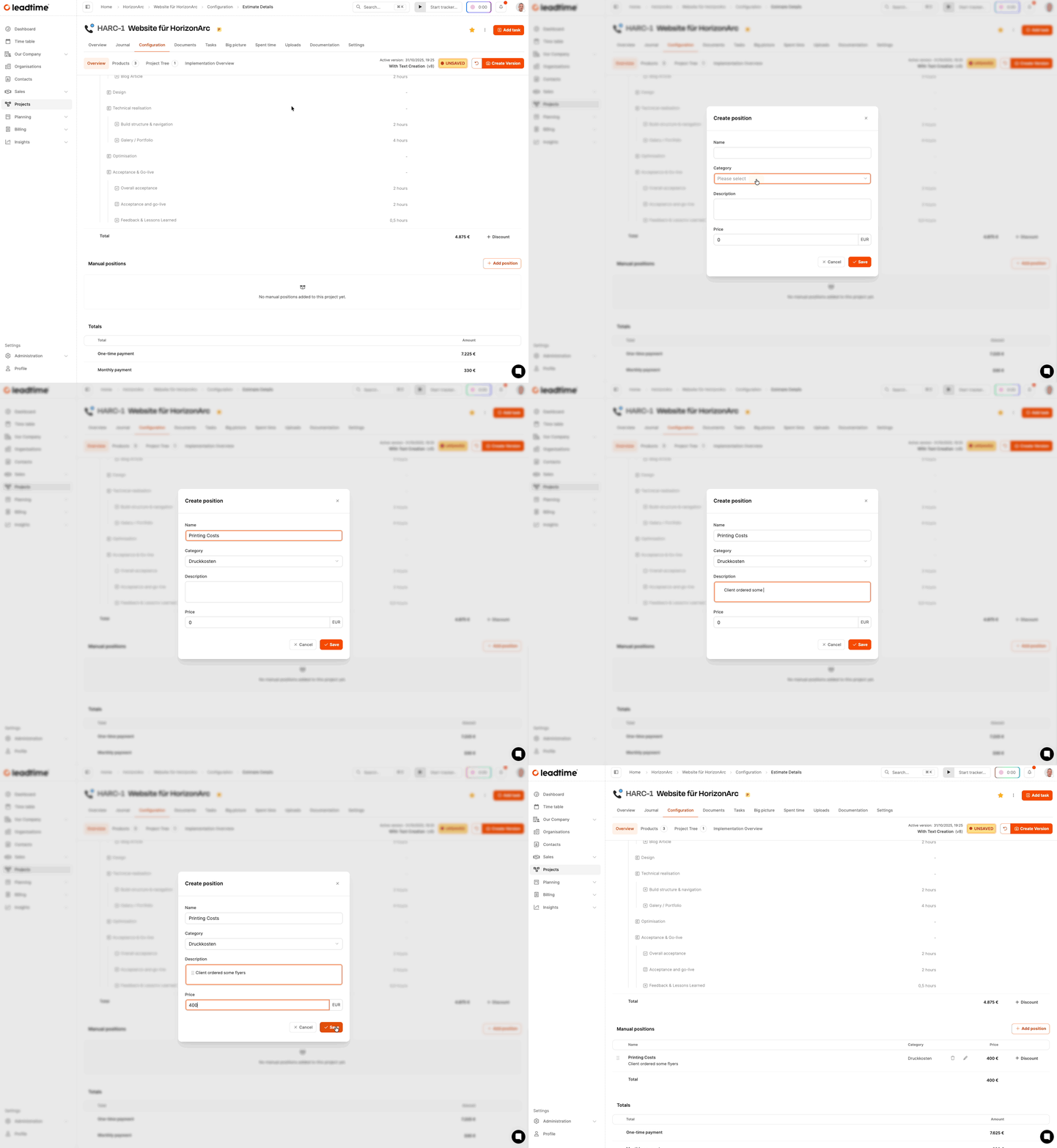
You can use manual items to add one-off services that are not in the product catalog. Navigate the area Configuration for viewing Overview and open the section Manual positions. With Add position define name, category, description and price. New categories can be created directly in the dropdown. The saved position then appears in the offer overview and is shown in the document.
Give discounts
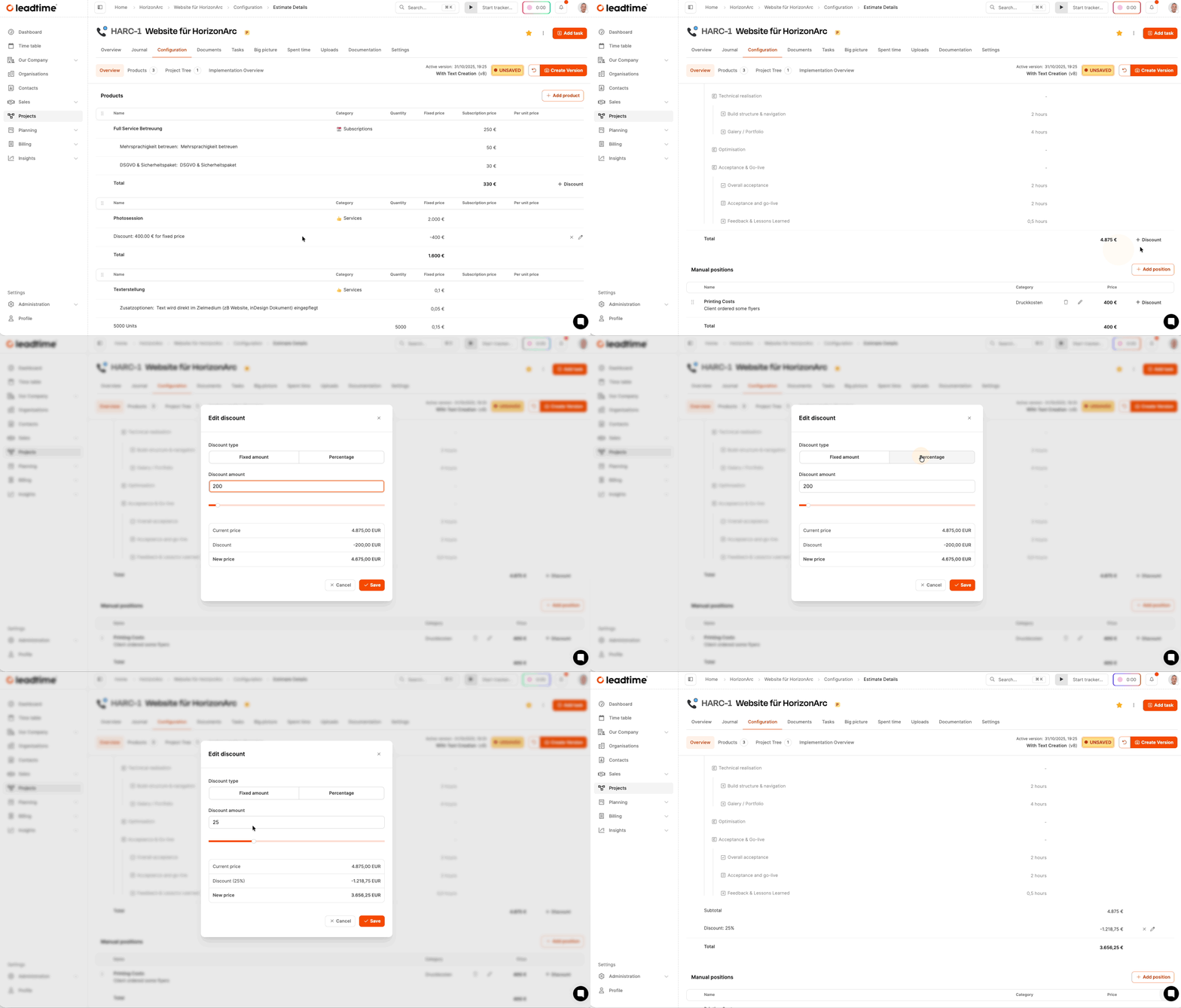
Discounts can be applied to individual products, manual items or optionally to the total amount. Open the desired item and select Add discount. Decide between a fixed amount and a percentage value. Leadtime calculates the deduction automatically. Discounts are documented and shown transparently.
Save offer version
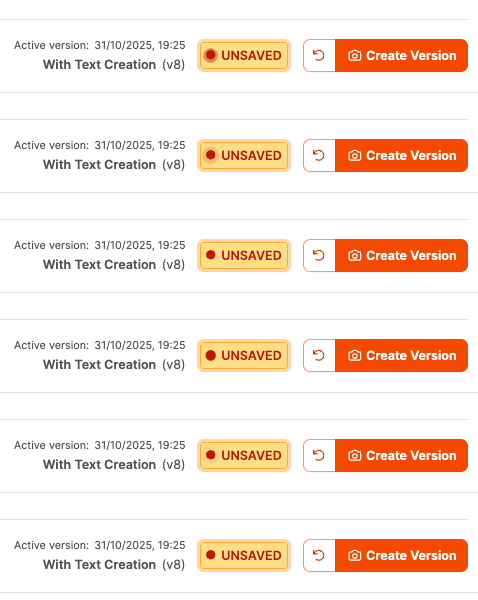
After adjustments, a new version should be created. To do this, click in the area Configuration on Create version, give it a title and save. Changes are automatically logged. Proposal documents are based solely on saved versions.
Generate offer document
Switch to the area Documents and create a new offer document. Select type, status, title and contact person. With Save & Download export the document in Word format. The adjustments made are included.
For part 9 of the workshop: Generate specifications (workshop part 9)