
Leave Accounts
Plan vacation entitlement and retain a traceable history of every adjustment.
Open Your Company → Employees → [Employee] → Vacation to manage an employee’s leave account. Define annual entitlement and plan changes for specific periods. Leadtime automatically calculates prorated days for joining, leaving, contract changes, or part-time arrangements and records every change.
See Leave Management.
Initial entitlement
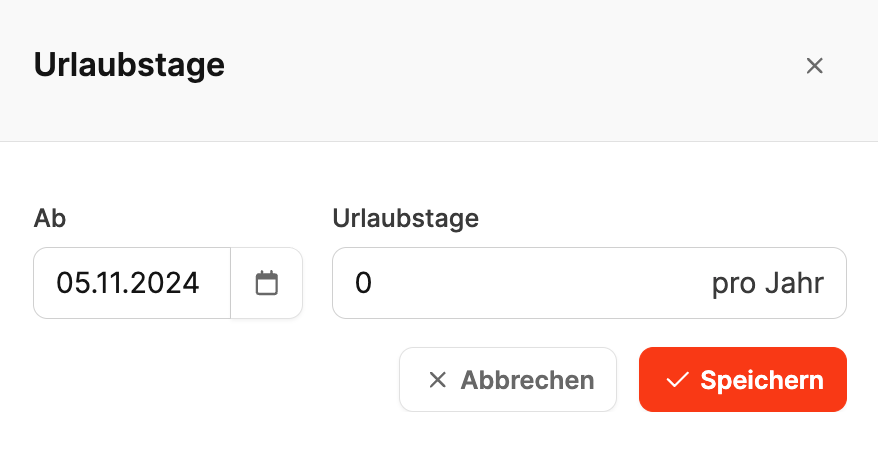
Enter the vacation entitlement in the employee’s master data when creating the profile. This becomes the basis for later calculations and adjustments.
Plan leave-account agreements
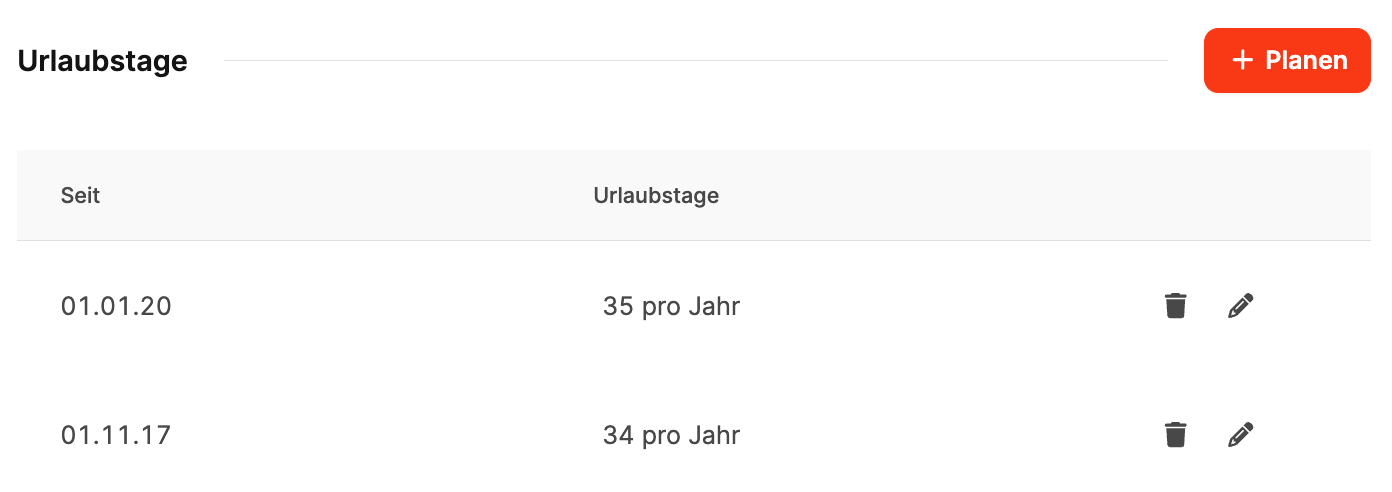
Select + Plan to add an agreement:
- From: Start date of the new period.
- Vacation days: Annual entitlement.
Use separate agreements for changes caused by longer service or new contract terms.
Changes during the year
If entitlement changes during the year, Leadtime calculates the remaining days proportionally and records the date and validity of the change.
Carryovers
Unused days can be carried into the next year or compensated with or without a payout. These transactions appear under Vacation compensation.