
Connect OpenClaw
Install the Leadtime OpenClaw plugin with a one-time setup code.
The OpenClaw setup helper is the easiest way to connect a Leadtime agent to an existing OpenClaw gateway. It avoids manual copying of agent tokens and webhook secrets.
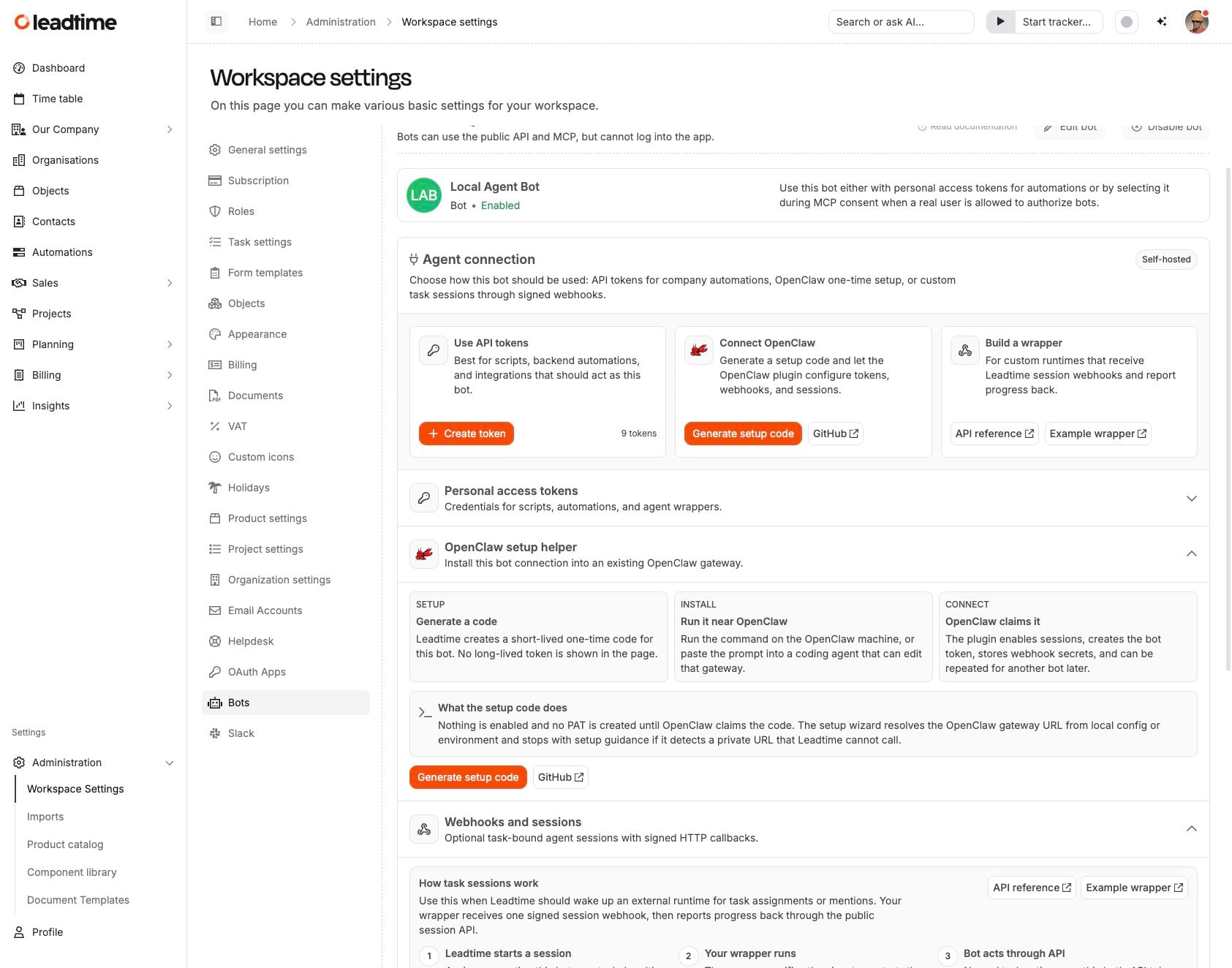
How setup works
- Select Generate setup code on the agent page.
- Run the generated command on the machine where OpenClaw is installed, or paste the prompt into a coding agent that can edit that OpenClaw setup.
- OpenClaw claims the setup code. Leadtime then enables sessions, creates the agent token, stores the webhook URL, and returns secrets to the plugin.
Network requirements
Leadtime must be able to reach the OpenClaw webhook URL. If OpenClaw runs only on localhost, a private VPS address, or a private network, expose it with a public HTTPS reverse proxy, a named Cloudflare Tunnel, or another stable public route before assigning tasks to the agent.
Multiple agents
You can run the setup again for another Leadtime agent. The plugin keeps separate agent credentials and can route sessions to the configured OpenClaw agent.