
Employee Insights
Analyzes time bookings of employees and teams. Shows project shares, added value and billable time in comparison or as an overall overview.
With the Employee Insights area, you can analyze the time bookings of individual employees or entire teams. The goal is to gain a clear understanding of what your employees have been working on – and how value-adding those activities were. The evaluation supports you in project analysis, people management and optimizing the distribution of work within the company.
About employees: Employees
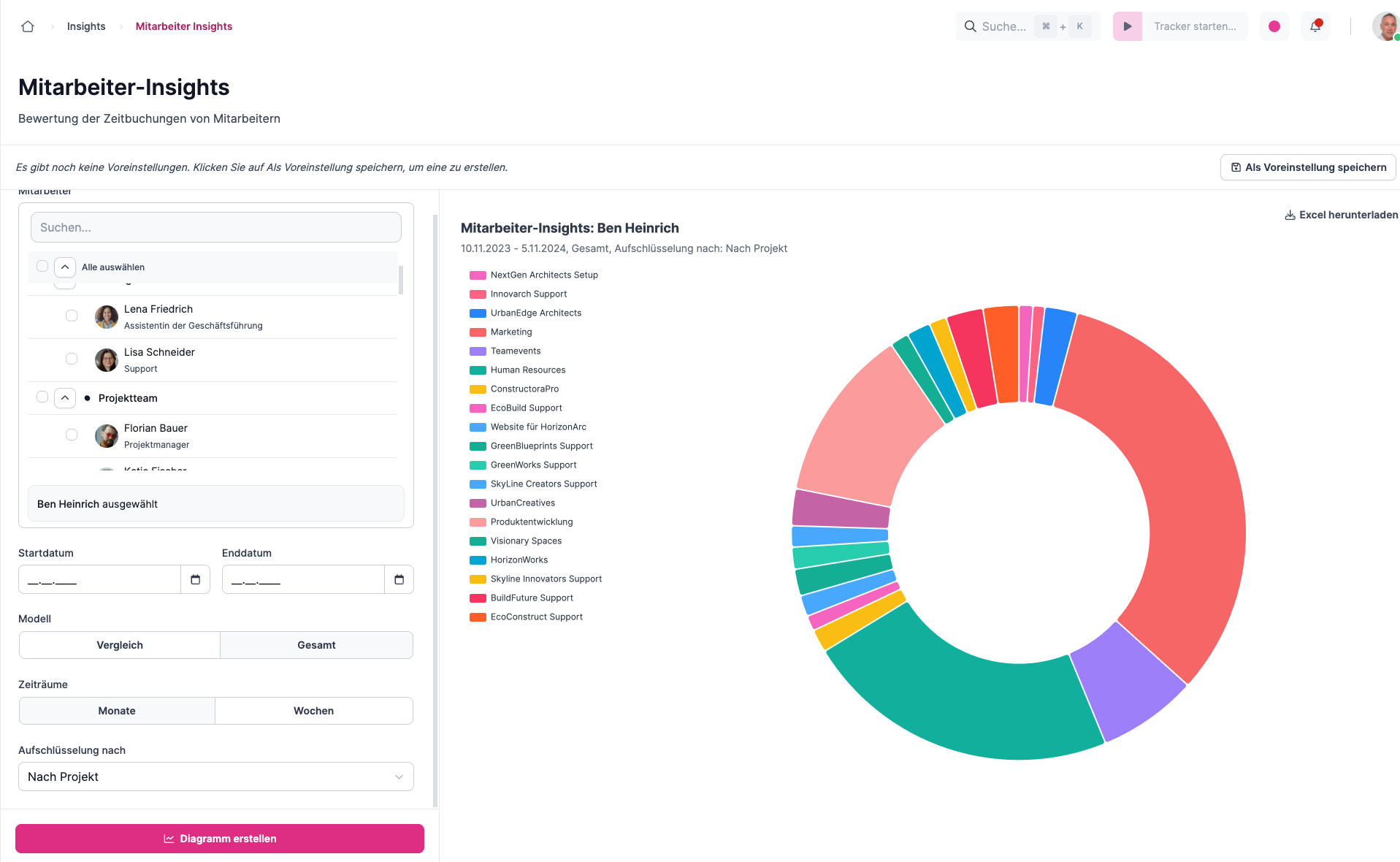
With Employee Insights, you get a precise picture of how your employees use their time. You can tell which projects and task types make up the largest share of working time, and you can use the results for targeted coaching, fair performance evaluation and a balanced use of resources.
Structure
The configuration bar is on the left. Here you specifically select individual employees, roles or entire groups. In addition, you can set a period or activate the Total model to evaluate all bookings without any time restriction.
Comparison or Total
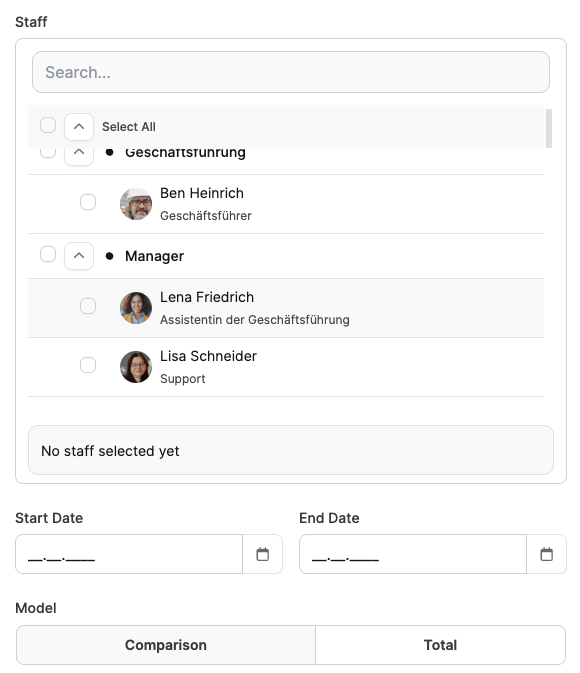
- Comparison: Compares several employees directly with one another – e.g. in terms of productivity, project shares or billable time.
- Total: Aggregates all bookings and presents them in summary form – particularly useful when you want to look at developments over weeks or months, or analyze just one person.
Breakdown options

- By project: Shows which projects employees have booked their working time on.
- By task type: Shows how time is distributed across different task types (feature, bug, management, etc.).
- By billable time: Compares the booked time with the actually billable working time.
- By value groups: Evaluates the bookings by their added value – divided into Direct Value, Indirect Value, Non-Value and Waste.
More features
- Create diagrams: The selected evaluation is visualized with a single click.
- Excel export: All the data shown can be downloaded as an Excel file.
- Save presets: Frequently used reports can be saved to quickly run recurring analyses.
The saved diagrams can be shown on the Dashboard.
Application examples
| Question | Setting options |
|---|---|
| What kind of tasks did the employee work on overall? | - Select employees - Model: Total - Breakdown: By task type |
| Which projects did the employee work on, and for how long? | - Select employees - Model: Total - Breakdown: By project |
| Which projects did several employees work on, in comparison? | - Select employees - Model: Comparison - Period: Months - Breakdown: By project |
| How much billable time did several employees generate, in comparison? | - Select employees - Model: Comparison - Period: Months - Breakdown: By billable time |