
Display Mode (Light / Dark Mode)
Switch between light and dark layouts or follow your operating system setting.
Leadtime offers two display modes: Light Mode and Dark Mode. Choose the one that best suits your preference or environment.
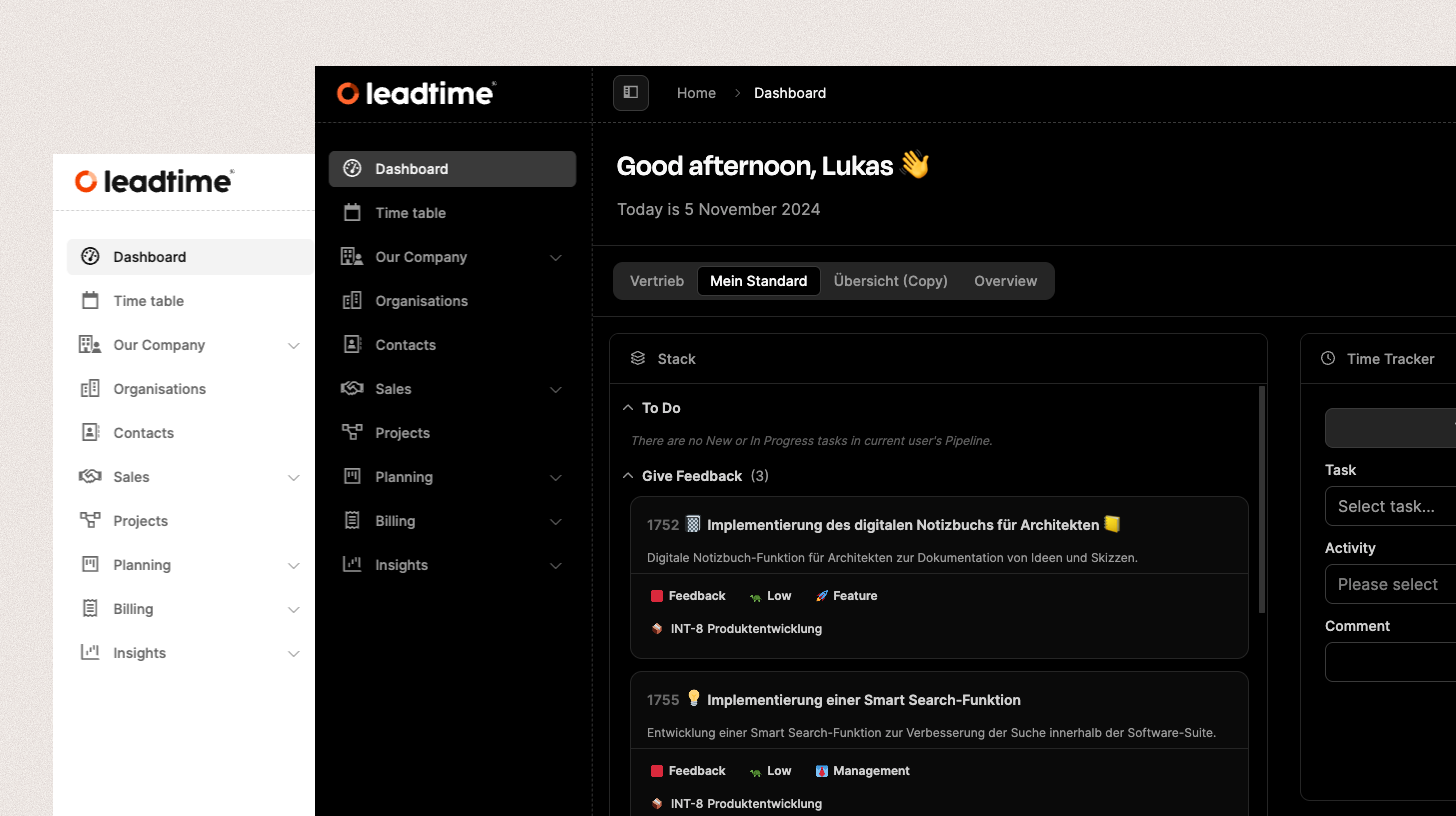
Switch the mode
- From the profile menu: Select your profile picture in the header, then choose “Switch to dark theme” or “Switch to light theme.”
- Automatically: In your profile settings, configure Leadtime to follow the system appearance of macOS, Windows, or Linux. Leadtime then changes when you switch between light and dark mode in your operating system.
Benefits of Dark Mode
- Less eye strain: Reduces screen brightness and is easier on your eyes during long sessions.
- Better focus: The dark color scheme is less distracting and supports focused work.
- Modern appearance: Provides a clear and polished interface.