
Appearance
Here you change the color scheme and the logo for the workspace
Found under Administration → Workspace Settings → Appearance.
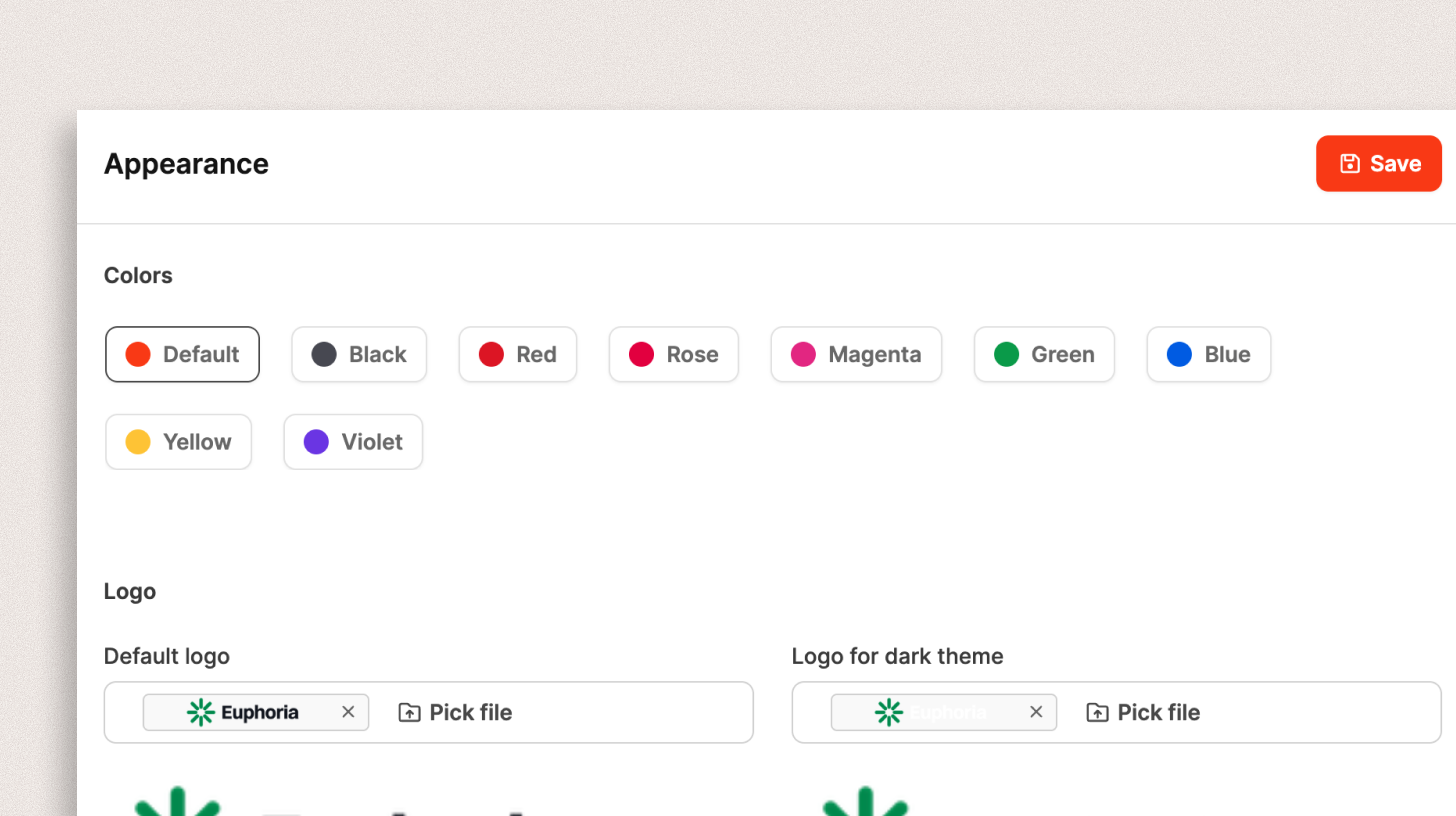
In this section, you can adapt the visual appearance of your workspace to your own corporate design. This includes color schemes and logo options for light and dark themes.
Colors
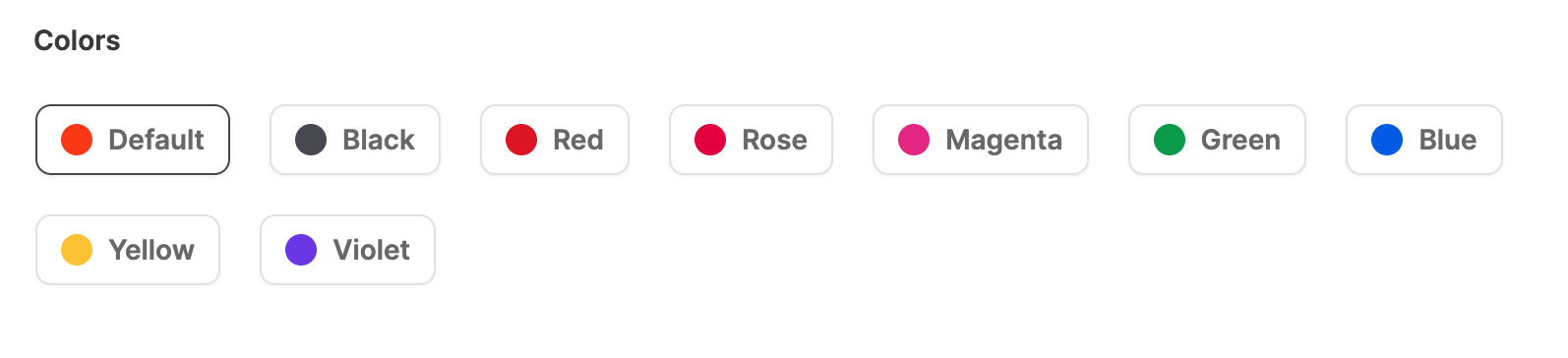
Choose from several predefined color schemes:
Default, Black, Red, Rose, Magenta, Green, Blue, Light blue, Yellow, Violet.
The selected color determines the interface accent color and affects navigation elements, buttons, and active states.
If you do not upload a custom logo, the Leadtime logo automatically adapts to the selected color.
Navigation animations
Choose whether pages slide left and right when you move between screens. This does not stop other motion in the app, such as opening a group in the left menu.
Disabled is the workspace default. Enabled turns the slide on for everyone who follows the workspace setting.
People can still pick Use workspace default, Enabled, or Disabled in My Profile → Account. Their choice wins over this workspace setting.
Logos
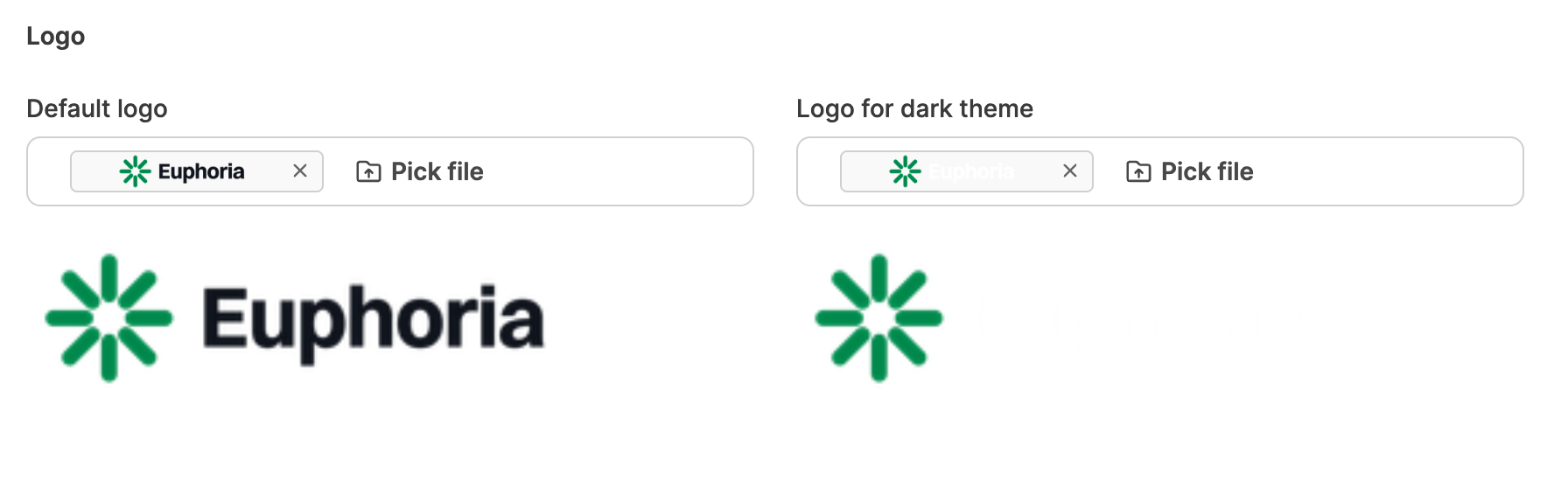
You can upload custom logos to bring your company branding into Leadtime.
Two variants are available:
| Logo type | Use |
|---|---|
| Default logo | Displayed in Light Mode |
| Logo for dark theme | Displayed in Dark Mode |
Recommended settings:
- Format: PNG with a transparent background
- Ideal size: 1000 × 260 pixels
The logo appears in the upper-left corner of the workspace above the navigation.
Save
After making your changes, click Save to apply them. The changes apply to all workspace users.