
Account
Manage the fundamental settings of your user account.
Open My Profile by selecting your profile picture in the top-right corner and choosing My Profile, or select Profile at the bottom of the main menu.
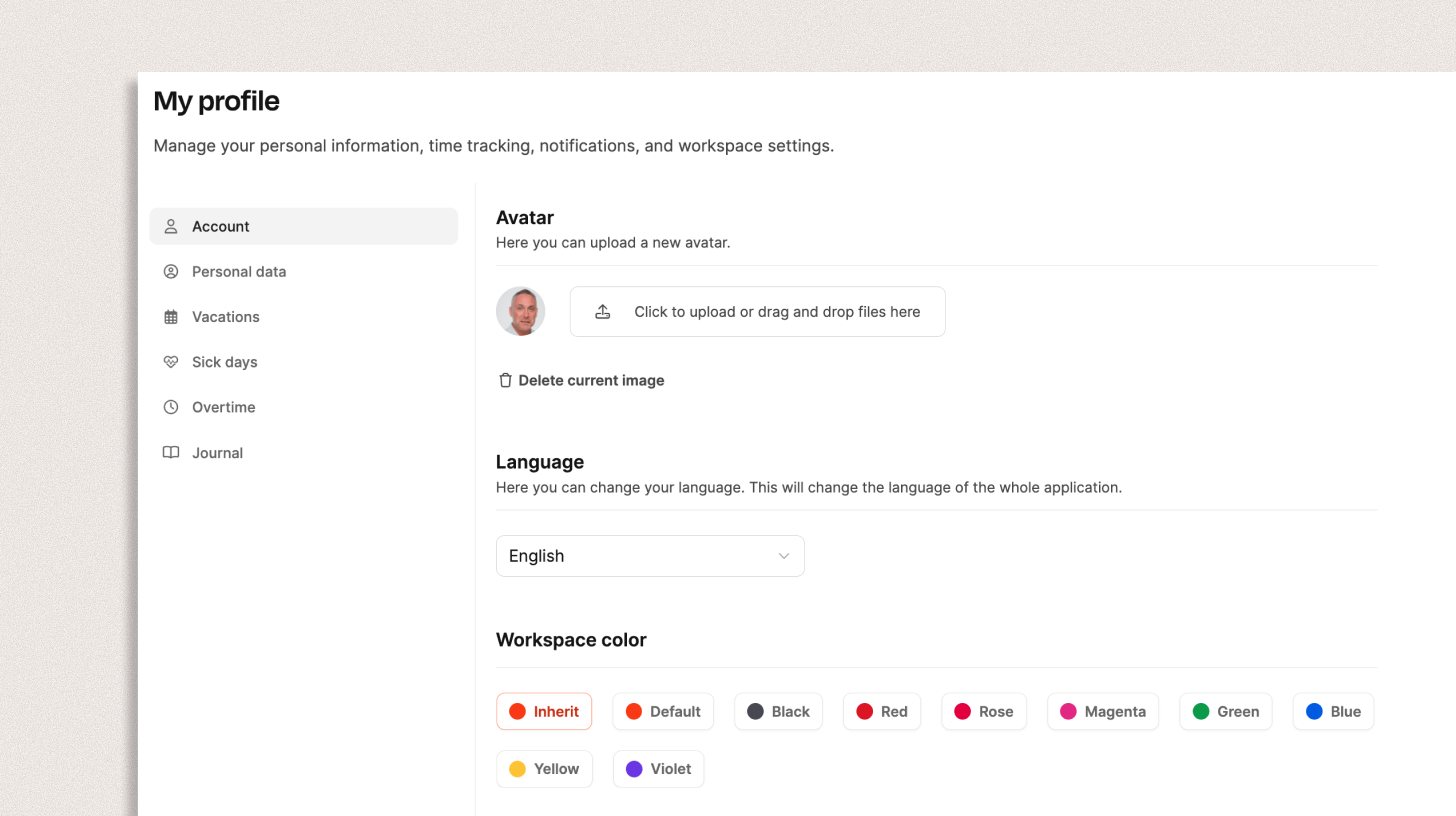
My Profile lets employees manage their own personal and work-related data, absences, and settings.
Account
Use the Account tab for fundamental user settings.
Avatar
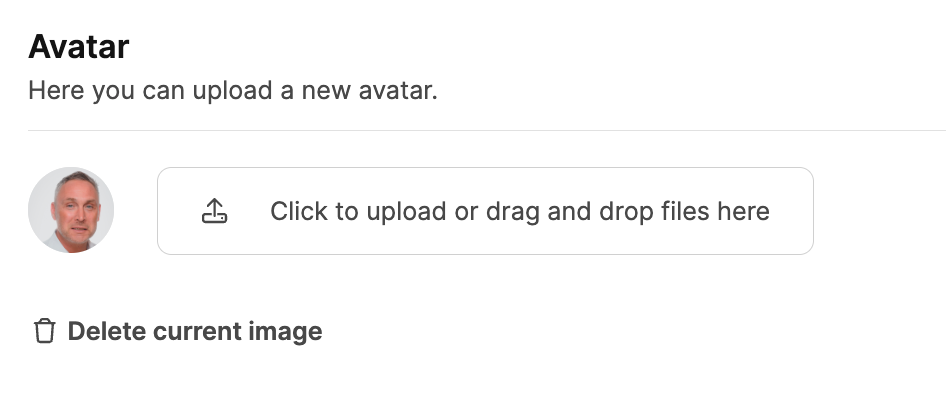
Upload a profile picture with Upload file or drag and drop an image. It appears throughout Leadtime in places such as projects, comments, and time entries.
Language
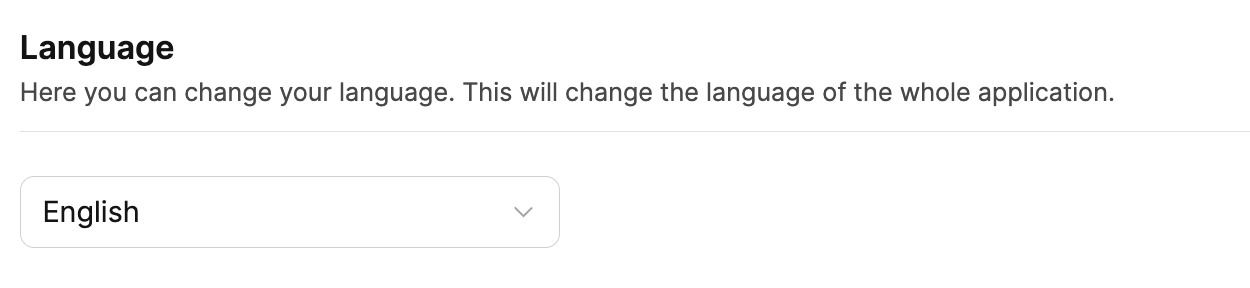
Choose German or English under Language. This changes all menus and system copy for your account and overrides the Workspace’s General Settings.
Workspace Color
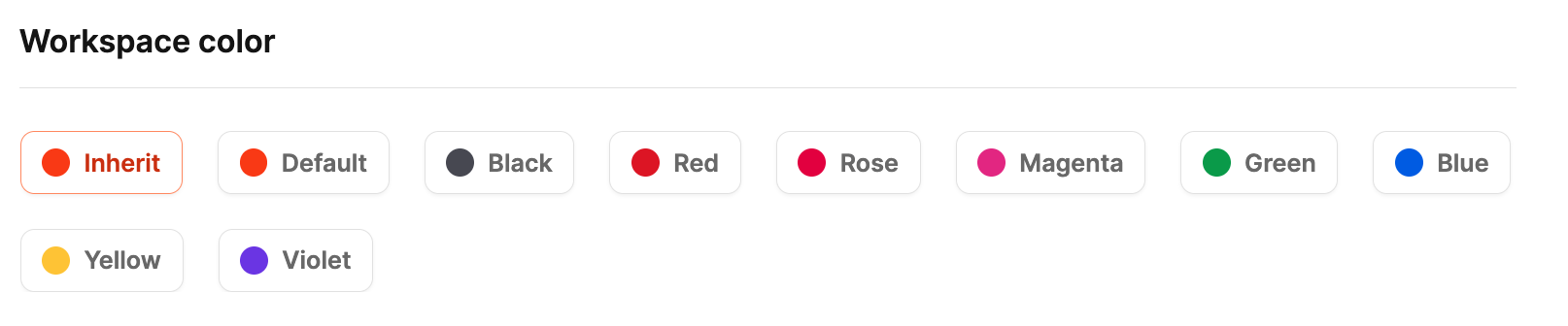
Choose a personal Workspace color even when it overrides the company’s general setting. Nine schemes support Light and Dark Mode:
- Default (Leadtime Orange)
- Black
- Red
- Pink
- Magenta
- Green
- Blue
- Yellow
- Purple
Without a personal choice, Leadtime uses the default from Workspace Appearance.
Navigation animations
Choose whether pages slide left and right when you move between screens. This does not stop other motion in the app, such as opening a group in the left menu.
- Use workspace default: Follows the setting in Workspace Appearance. New accounts start here, and the workspace default is Disabled.
- Enabled: Always play the slide, even if the workspace has it disabled.
- Disabled: Never play the slide, even if the workspace has it enabled.
Notifications
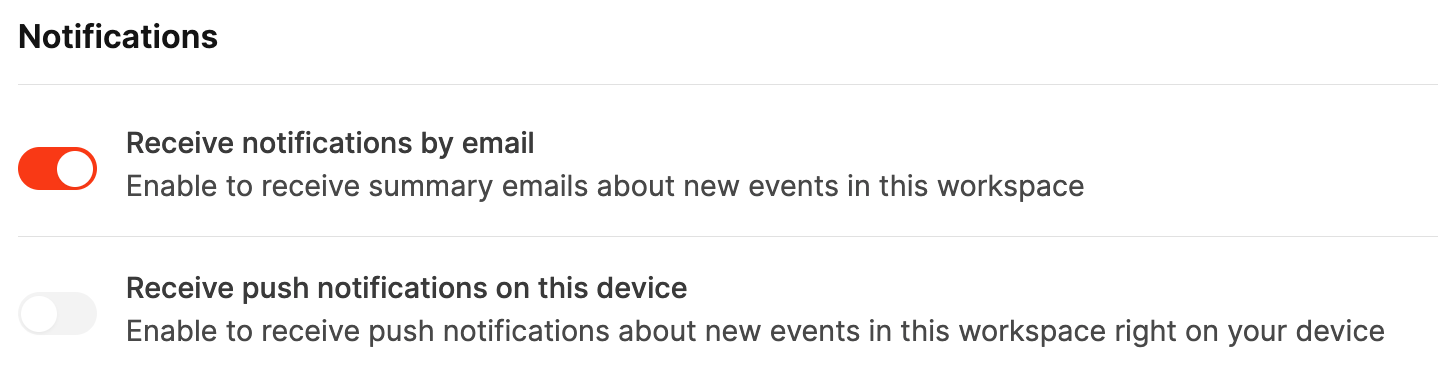
Choose how Leadtime informs you about Workspace events.
- Email notifications: Receive regular summaries of new tasks, project activity, or status changes.
- Push notifications: Receive alerts directly on your device after granting notification permission in the browser.
Learn more about the messaging system.