
Custom Symbols
Leadtime lets you use your own symbols (emojis) in the application's interfaces
Found under Administration → Workspace Settings → Custom icons
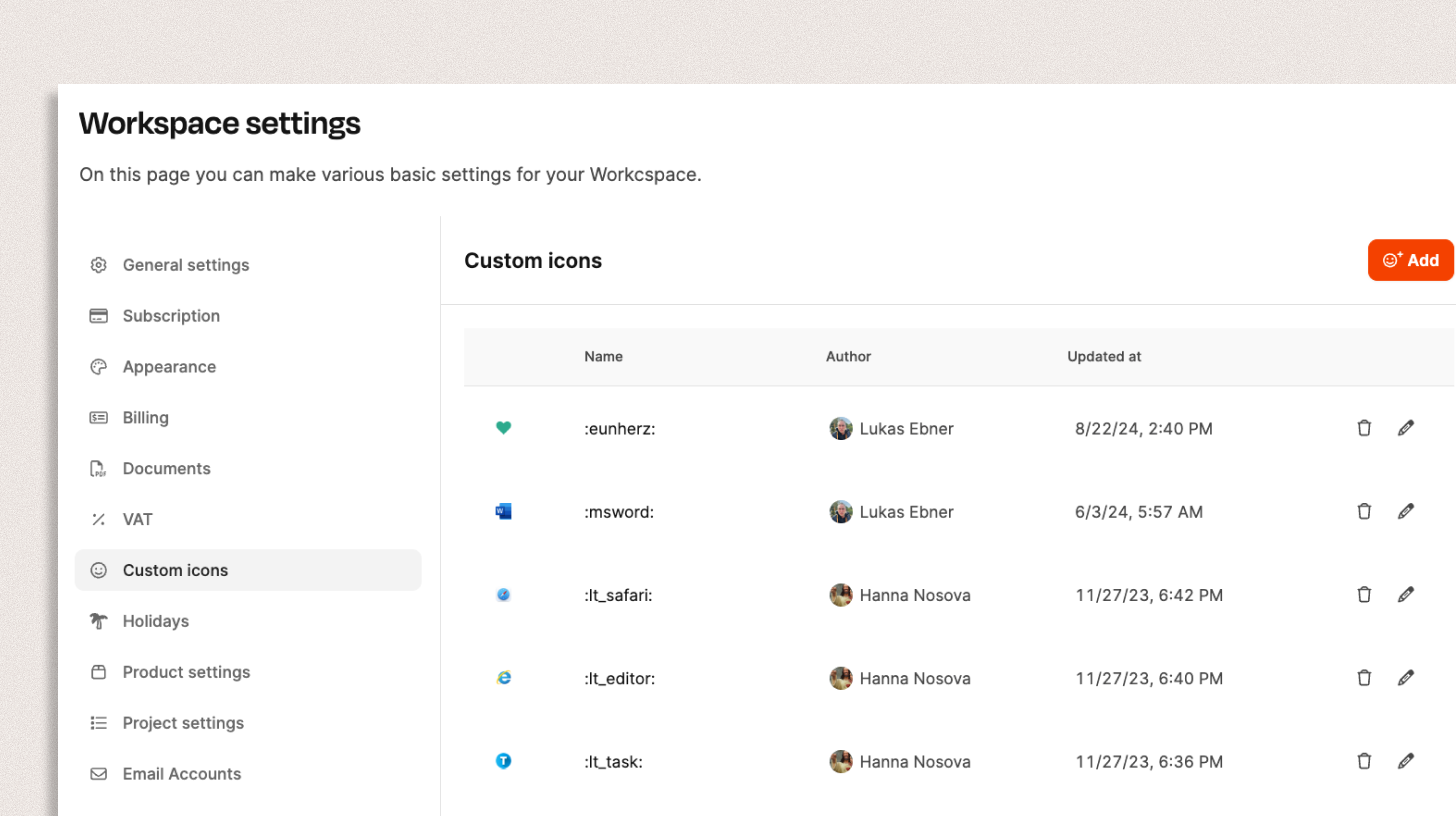
In this section, you can upload custom symbols (icons) for your workspace. This feature helps you structure information visually and make content easier to understand at a glance.
Custom symbols can be used, for example, to identify tickets, projects, or documents clearly—such as with icons for specific topics, priorities, or departments.
Add symbols
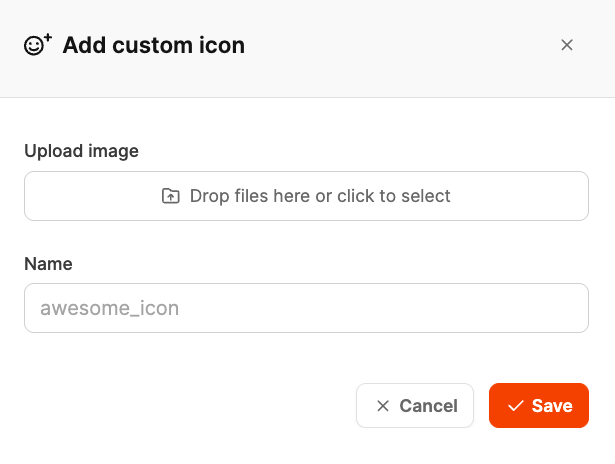
To create a custom symbol:
- Open Administration → Workspace Settings → Custom icons.
- Click Add.
- Upload an image in PNG or SVG format.
- Enter a unique symbol name (e.g. :lt_editor: or :team_sales:).
- Click Save to make the symbol available in the workspace.
The new symbol is then available to all users in your workspace. It can be used in various areas, including
- Projects
- Tickets
- Documents
- Organization or employee profiles.
Manage existing symbols
All existing symbols are shown in a list, including
- Name (e.g. :msword:),
- Author,
- Date of last change.
From the symbol list, you can edit or delete existing icons.
This gives you complete control over the visual appearance of your workspace at all times.